A private vault for your notes, documents and photos.
Everything is encrypted on your device before it is saved or synced. Without your password, nobody can open it, including us.
DownloadFree and open source. For macOS, Windows, Linux and Android; iPhone is coming soon.
- macOS
- Windows
- Linux
- Android
- iPhone
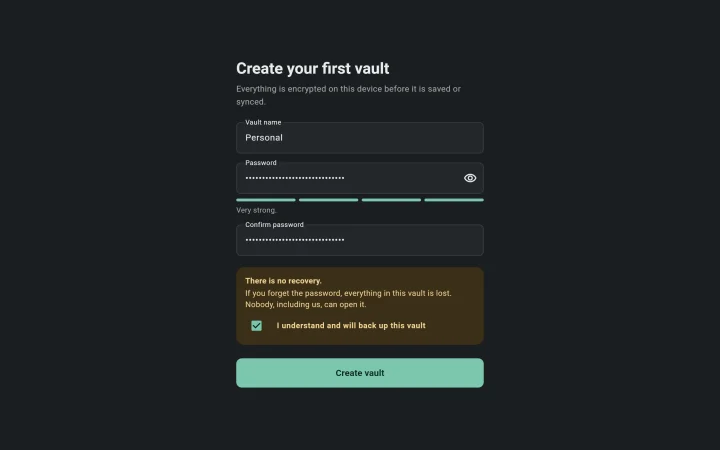
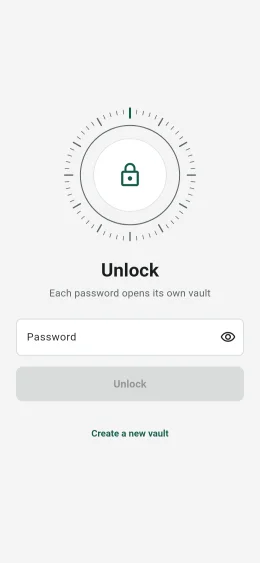
This is an early preview. You can create, unlock and lock vaults. Notes, files, photos and sync arrive in later releases, so don't keep the only copy of anything important here yet.
On your phone and your computer
The same app on every device, in light or dark to match your system.
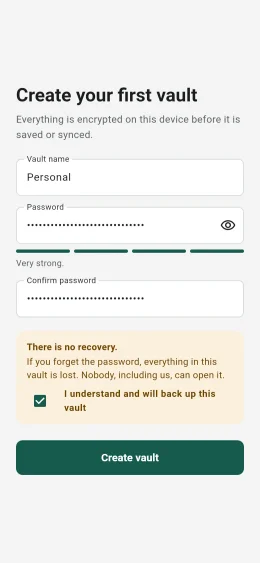
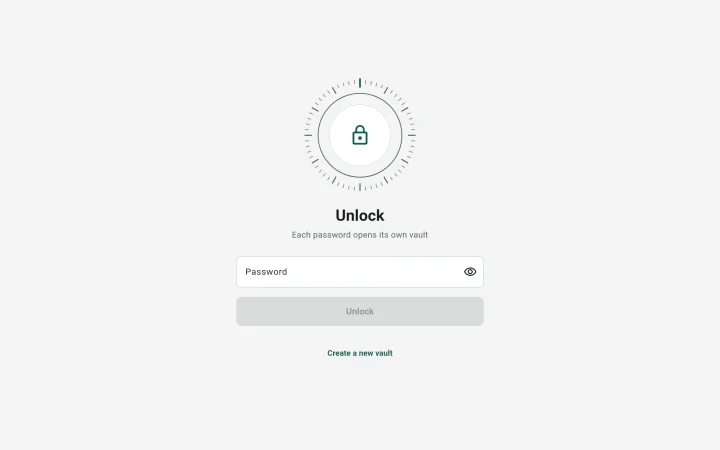
How Cozy Safe keeps you safe
Encrypted on your device
Data is encrypted before it reaches the disk or a cloud folder. Sync only ever sends encrypted data.
Password plus Secret Key
Your password is combined with a random 128-bit key kept on your device, so someone holding a copy of your vault still cannot guess the password.
Open source
Anyone can read and check the code (GPL-3.0). Installers are built by GitHub, with provenance you can verify.
Good to know first
There is no recovery
- If you forget the password, nobody can open the vault again, including us.
- Choose a password you will remember, such as a phrase of several words.
What it cannot do
- It cannot protect a device that already has malware.
- Others can still see that Cozy Safe is installed.
- Anyone who knows the password can open the vault.
Download
| Platform | File | How to install |
|---|---|---|
| macOS | CozySafe-macos.dmg | Signed and notarized by Apple. Open the disk image and drag Cozy Safe into Applications. |
| Windows | CozySafe-windows-x64.zip | Not signed yet. Unzip it and run cozysafe.exe. If SmartScreen warns you, choose More info, then Run anyway. |
| Linux | CozySafe-linux-x64.tar.gz | Extract it and run ./cozysafe. Needs GTK 3. |
| Android | CozySafe-android.apk | Signed with the Cozy Pi release key. When Android asks, allow your browser to install apps. |
| iPhone | Coming soon | Through TestFlight, Apple's app for testing new apps. |
To check a download, compare it with SHA256SUMS.txt or run gh attestation verify <file> -R cozy-pi/cozysafe. Older versions are on the releases page.